
Enrich My Resource
🚀 Once your resource is created, you can make it even more complete and interactive by adding documents or media! It’s a great way to boost the impact of your training and offer an even richer learning experience for your learners!
The "Sources" Tab
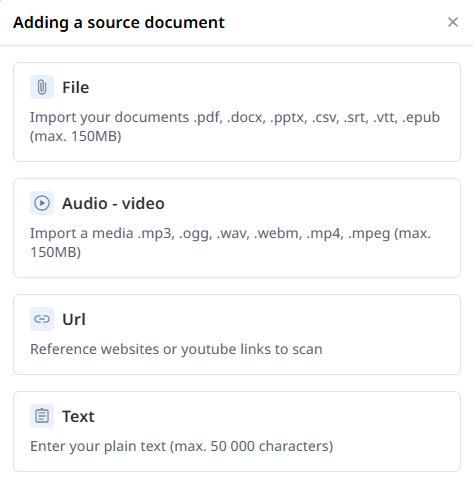
After the pedagogical setup, you can add as many media files as needed, and in various formats, directly from the "Sources" tab. Supported formats include:
- Files: .pdf, .doc, .docx, .pptx, .csv, .srt, .vtt, .epub
- URLs: link to a web page or online document
- Videos
- Audios
- Plain text
The "Media" Tab
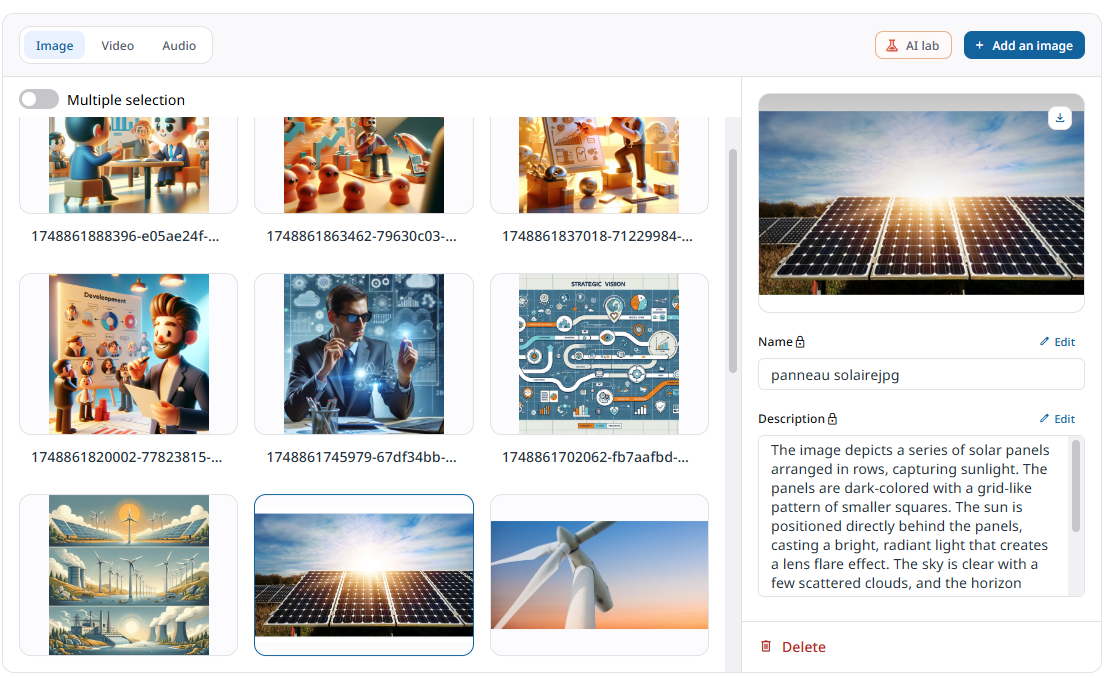
In the "Media" tab, you can upload images, videos, and audio files from your computer. This is also where you'll find all the images, videos, and audio elements that you’ve added to your sequence content.
From this space, you can:
- Add more media (image, video, audio)
- Launch an AI analysis to generate a text description of your images
- Edit the description manually if needed
💡 Good to know: If you launch the analysis before generating your sequences, the AI will use the descriptions to automatically enrich the pedagogical content of your resource.