
Generate my sequence content
A well-designed course is a lit path to knowledge, and a precise glossary is its detailed map. In this article, discover the intricacies of building a robust course and a comprehensive glossary. From writing relevant content to defining key terms, navigate the complexities of educational creation. Turn abstract concepts into tangible resources ready to guide your students toward your training goals. Like directors in the theater of learning, dive into designing dynamic and effective educational activities, bringing the material to life. From planning interactive exercises to integrating hands-on projects, craft a wide range of techniques to captivate and inspire your learners. Become the directors of education, orchestrating memorable and transformational learning experiences.
Create My Course
After structuring your course outline, you can either write the content for each sequence yourself or let edtake’s AI generate it for you by clicking the "Generate" button.
Create My Glossary
If you wish to add a glossary, it should ideally be generated during the course or sequence setup. However, you can also add it manually afterward via the block editor by selecting the Lists category and then choosing Accordion.
Design my educational exercices
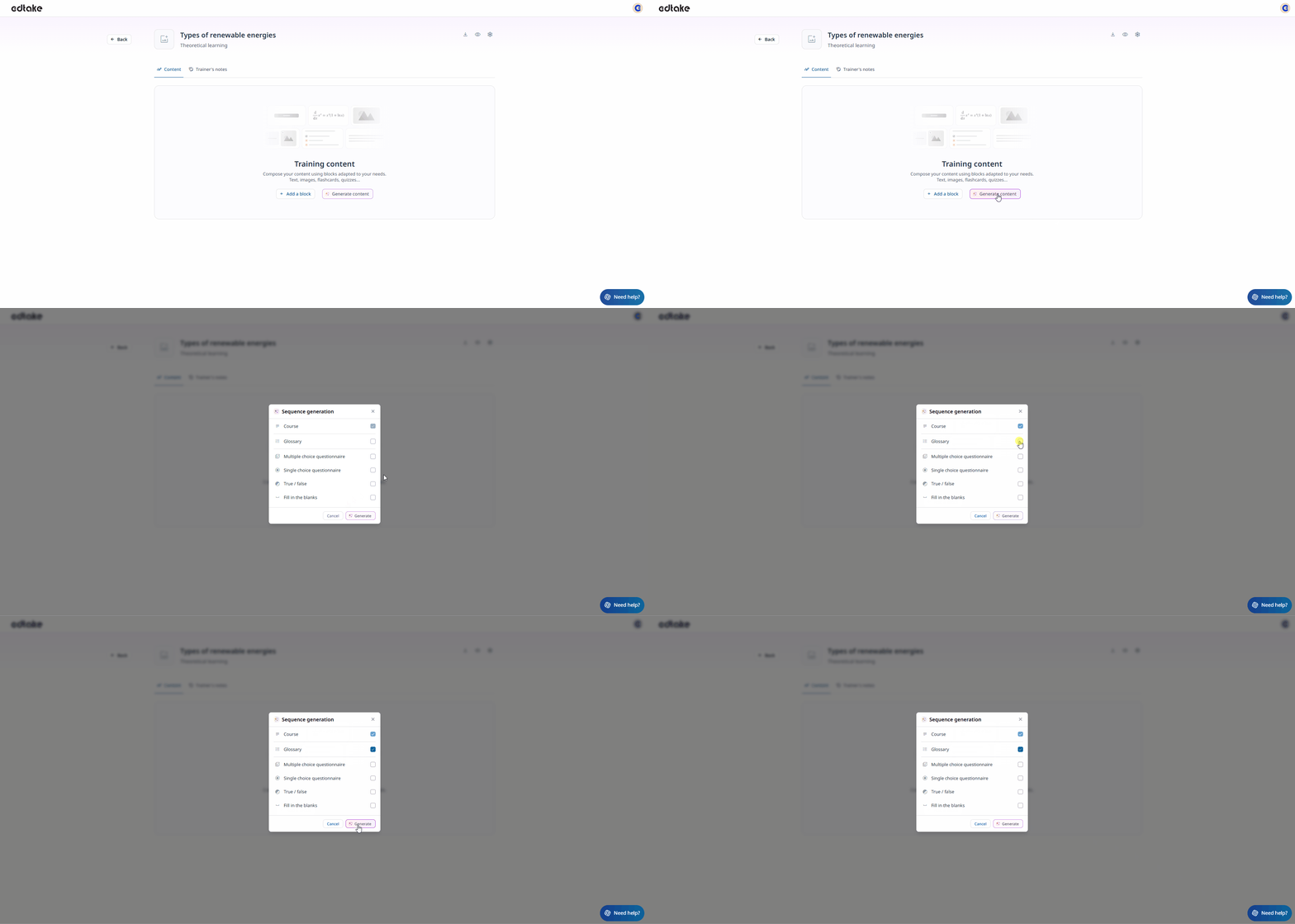
Educational exercices are based on the course content. When creating your sequence, you can select the types of exercises you want; by default, one question will be generated.
Once your sequence is created, you can enrich your content by adding as many exercises as needed.
If you choose to use AI to generate exercises, you simply need to specify the desired number per type, up to a maximum of 5 per generation from the following list:
- Multiple-choice questions (MCQs)
- Single-choice questions (SCQs)
- True/False questions
- Fill-in-the-blank texts
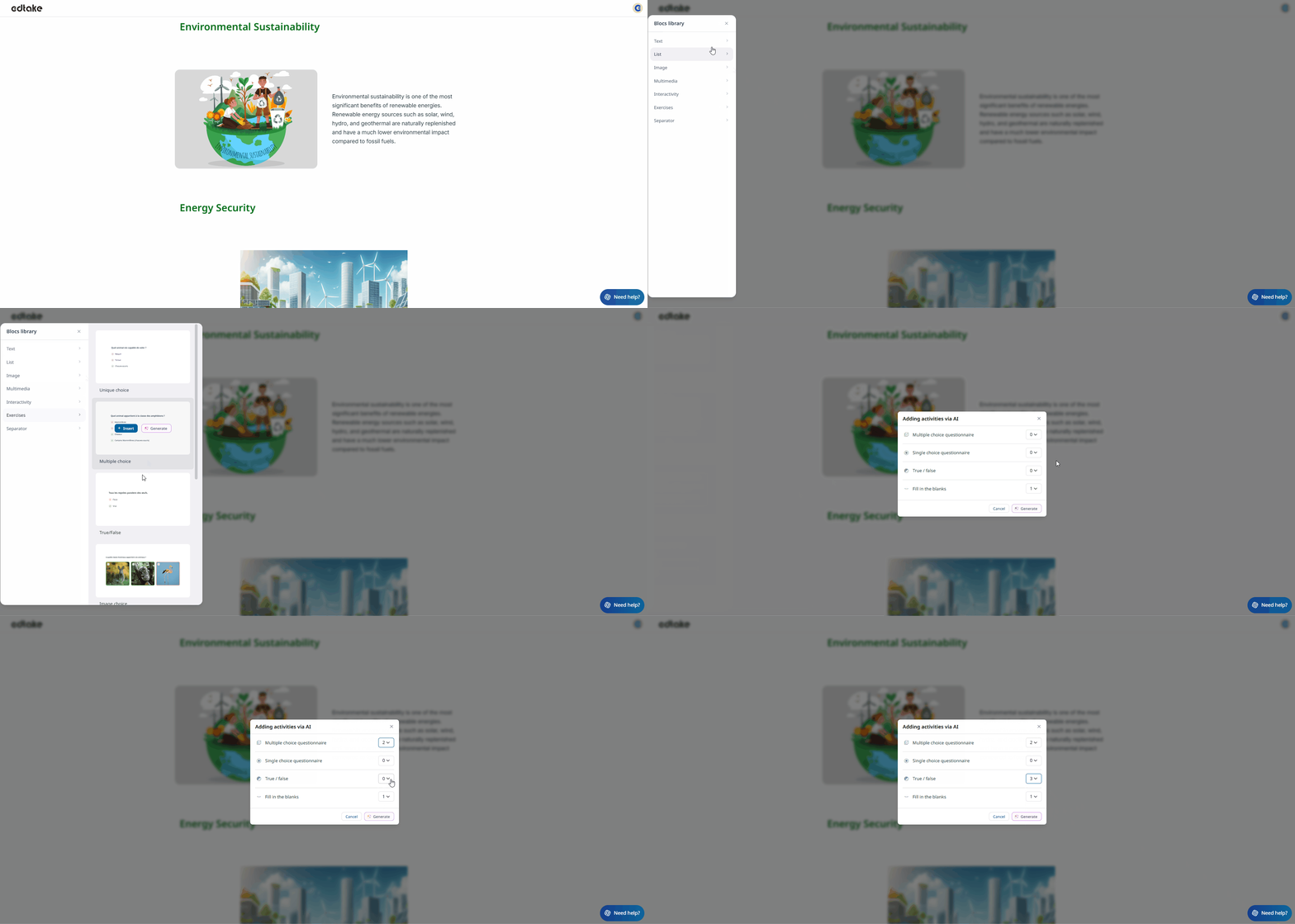
You can also manually enrich your course by adding specific activities using the "+ Add" button.
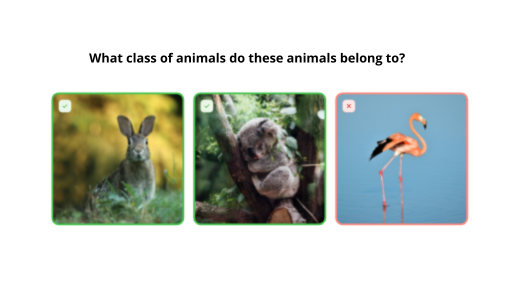
- Image Choice: The learner selects the correct image(s) among several options based on the question asked (similar to an image-based MCQ).
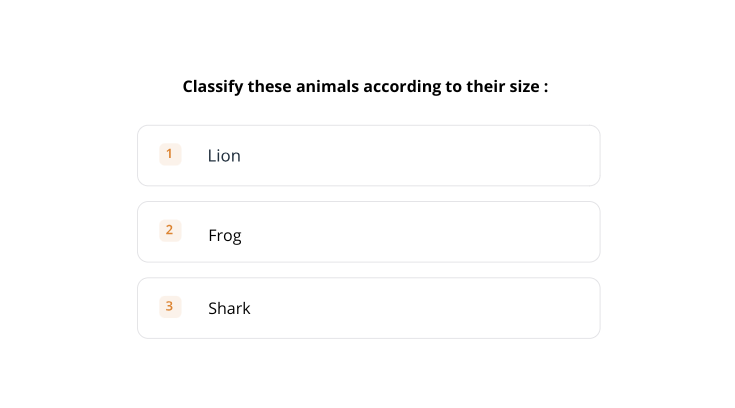
- Sorting List: In a sorting list activity, learners are asked to reorganize items into a specific order.
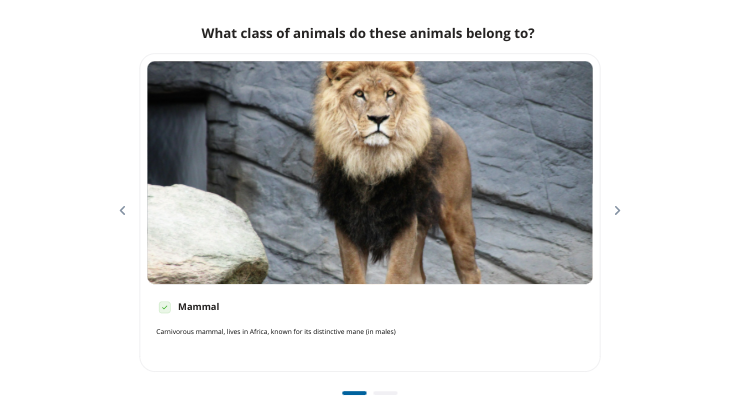
- Image Questionnaire: The image questionnaire allows you to ask a question related to one or more images, offering a visual and interactive approach. A hint can be added under the image to assist the learner, though it is optional.
Good to Know
You have the option to add explanations to your quizzes to justify the correct answers.