How to activate two-factor authentication (2AF)?
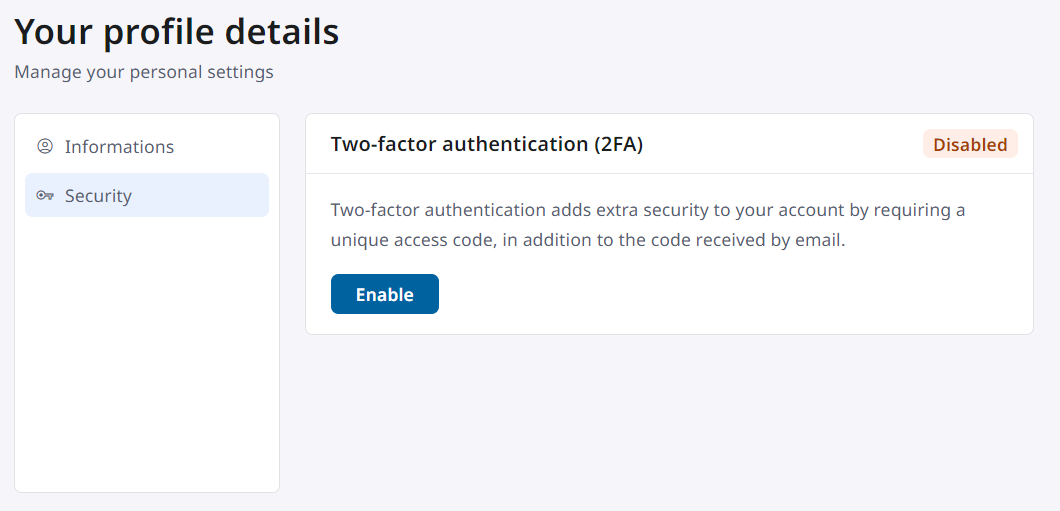
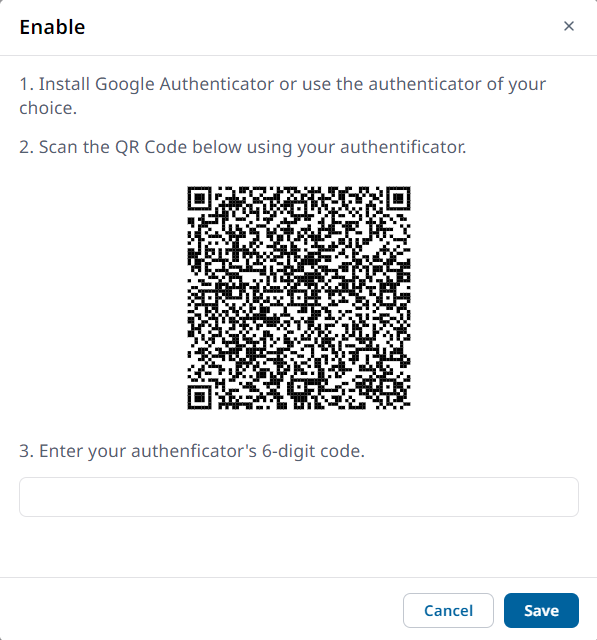
You can now activate two-factor authentication (2FA) to strengthen your account security and protect your sensitive data from unauthorized access. This feature adds an extra layer of protection by requiring two-step verification upon login. Click on your avatar in the top right-hand corner of your workspace, then on "Account". Then go to the "Security" tab and click on "Activate", then follow the process until you have completed the operation.