
How to Complete the edtake Template to Import Your Skills Referential
To save time and efficiently structure your workspace, you can fill out our skills framework template, available for download in the Settings tab of the platform.
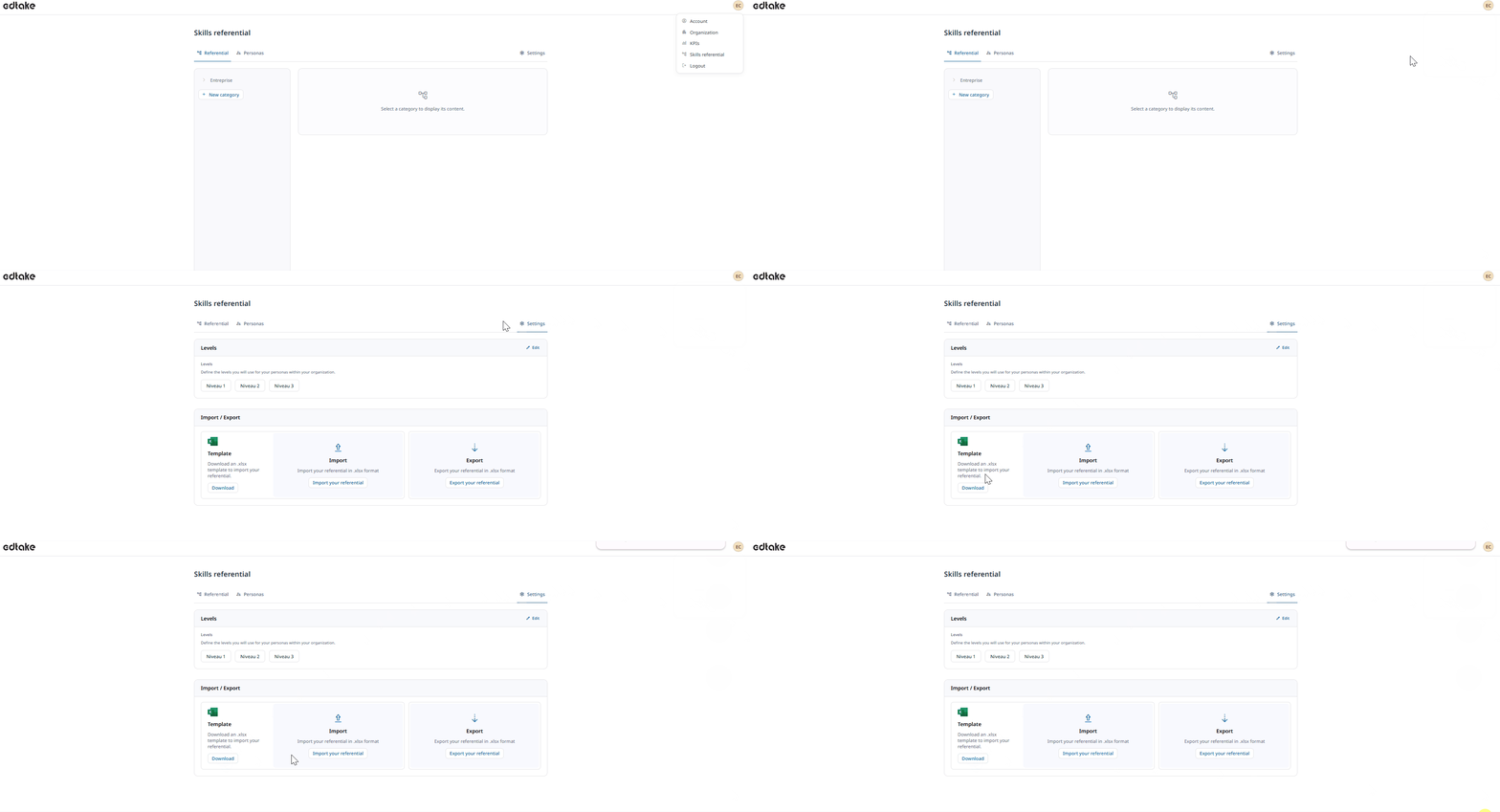
The file is formatted as a table, as shown below:
skill_name | skill_descrip | skill_type | skill_parent | skill_category |
Here’s how to fill out each column:
skill_name (Skill name)
Enter the name of the skill.
Use a clear formulation with an action verb, for example:
"Be able to structure a multichannel communication plan"
skill_descrip (Skill description)
Add a precise description of the skill's scope.
This helps the AI generate more accurate and pedagogically relevant content.
Example:
"This skill allows the learner to define coordinated actions across multiple channels (print, digital, events), aligned with brand objectives."
skill_type (Skill type)
Specify whether the skill is a:
- Sector expertise
- Knowledge
- Technical skill (hard skill)
- Behavioral skill (soft skill)
skill_parent (Parent skill for grouping sub-skills)
If this skill belongs to a broader set, indicate the name of the parent skill here.
Leave this blank if the skill is standalone or a top-level category.
skill_category (Associated category)
Indicate the category or field in which you want to classify the skill.
Example: Digital Marketing, Project Management, Agroecology, etc.
Once your template is complete:
- Save it in CSV or Excel format.
- Import it directly via Settings > Skills Framework.
edtake will automatically analyze the data and structure your framework with the indicated categories, subcategories, and skills.
Tip: The more detailed your descriptions, the more relevant and aligned the generated content will be to your learning objectives.