How to Discover New Features with Early Access?
What Is Early Access?
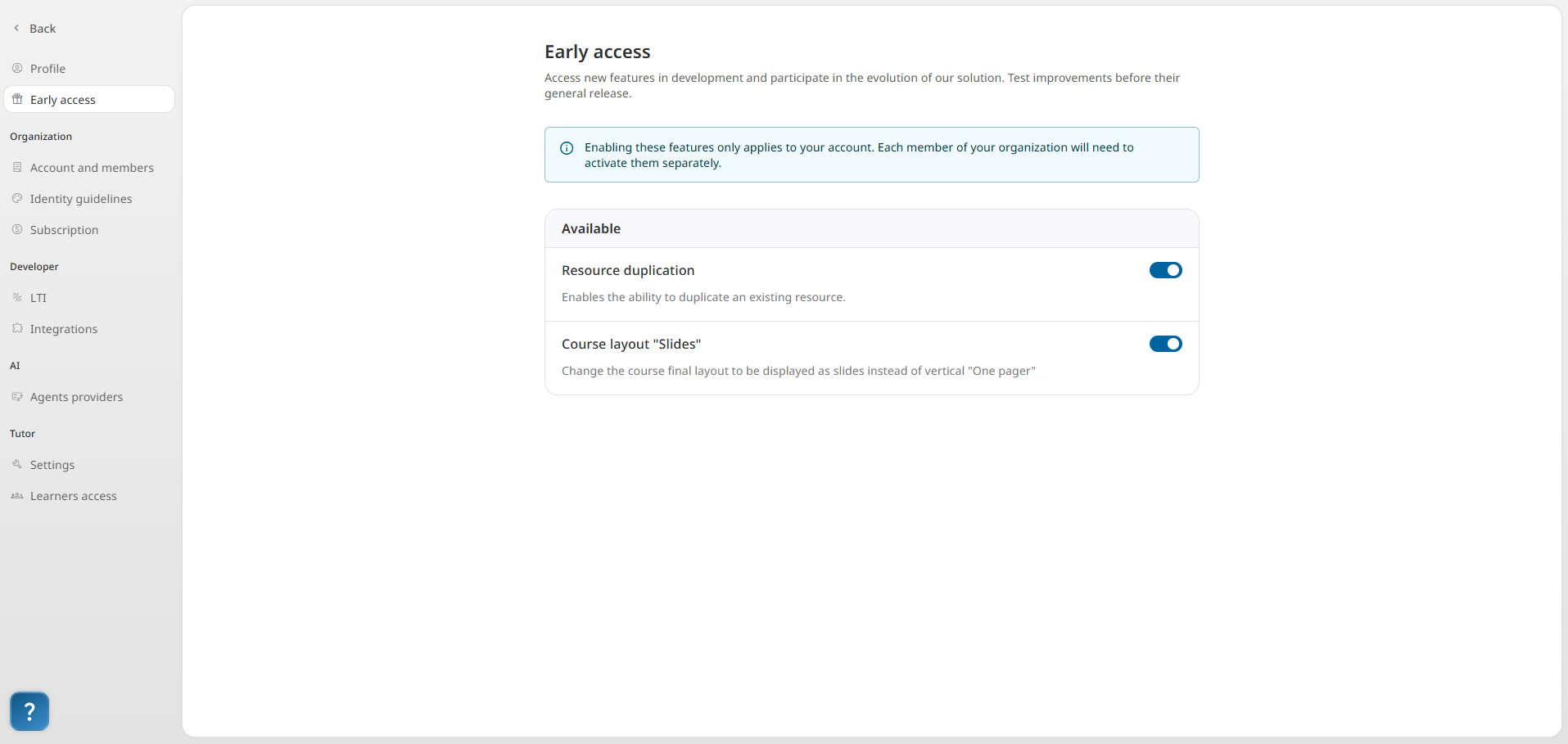
Early access is a feature you can activate from your user profile. It allows you to test upcoming edtake features that are still in development. These features are functional but may evolve over time.
Each user is free to enable or disable these options depending on their needs and curiosity. This has no impact on other members of your organization or on your already published modules.
Activating early access means getting a sneak peek at edtake’s upcoming developments. It’s an opportunity to explore new features before their official release, and to share your feedback on their usefulness, clarity, and usability.
By providing real-life feedback, you actively contribute to the continuous improvement of the platform.
How to Enable Early Access?
- Click on your profile icon at the top right of your edtake workspace.
- Select the Early Access tab.
- Check the features you'd like to try.
- They will be instantly available in your workspace.
- You can disable them anytime from the same tab.